Remote truck diagnostics in the browser
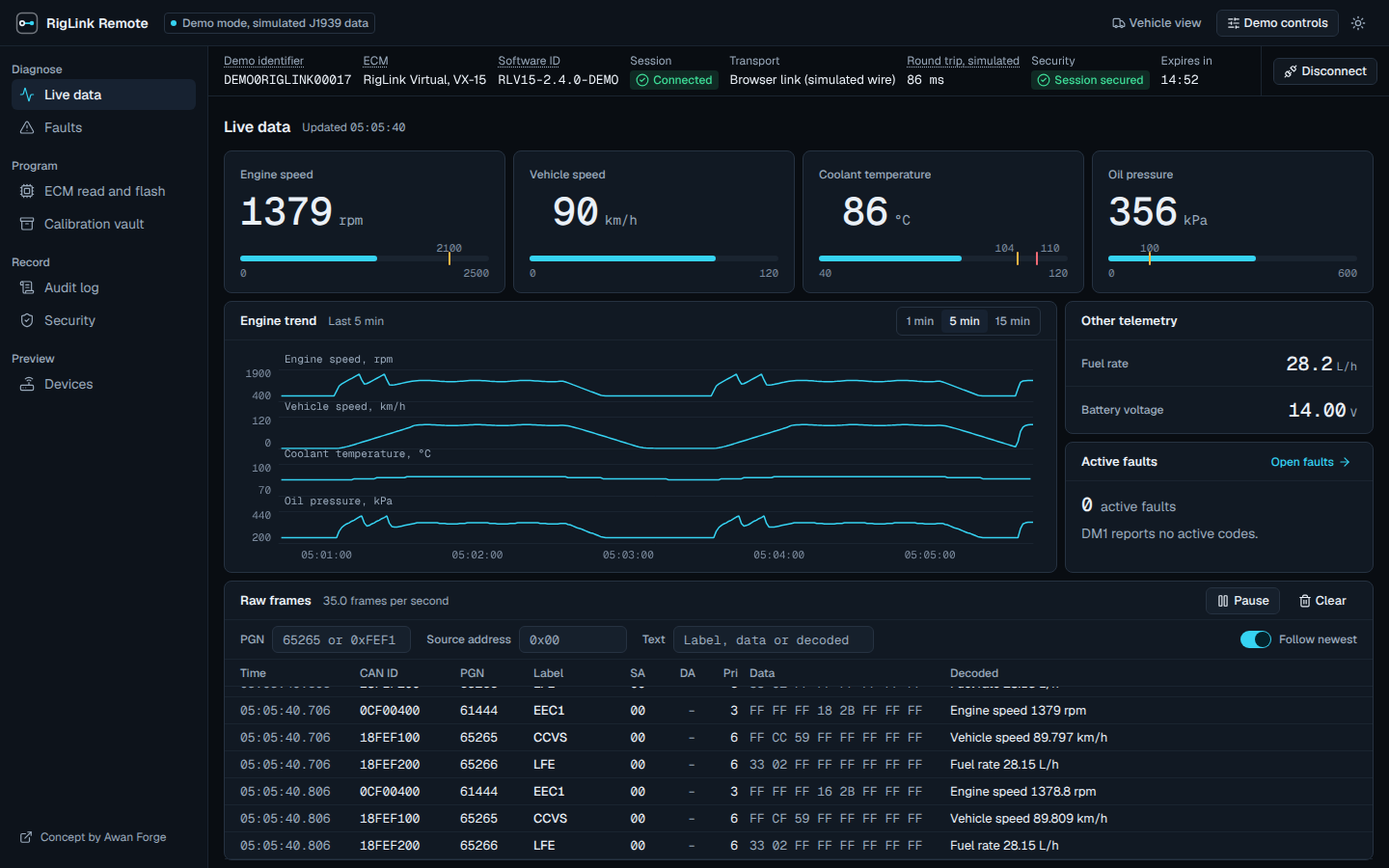
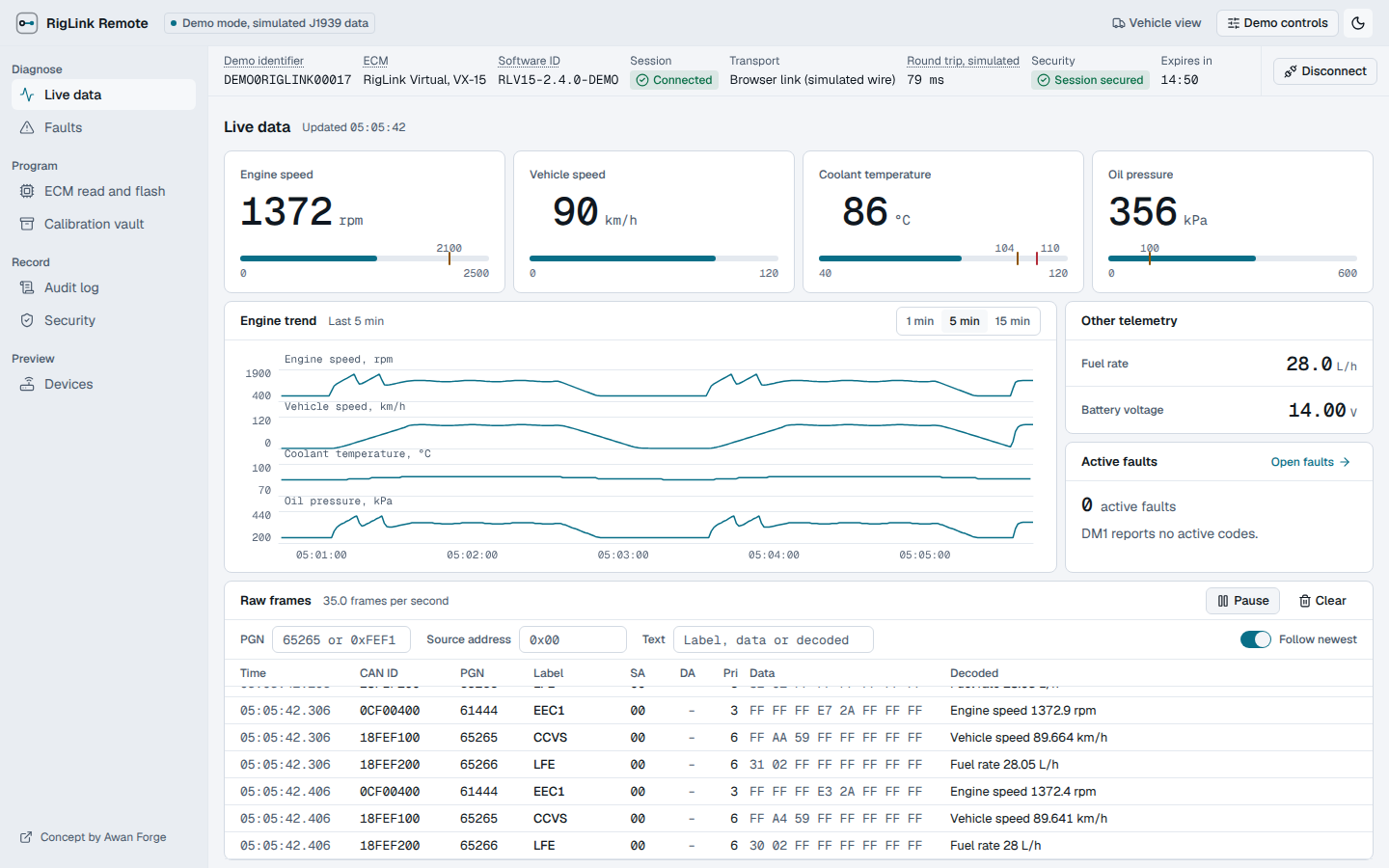
RigLink Remote is a concept console for technicians who need to work on a truck they cannot see. A vehicle agent connects to the truck's J1939 network and opens an encrypted session. The technician joins from a browser to watch live engine data, read and clear fault codes, and read or flash an engine calibration. This demo runs the whole path in your browser against a simulated truck.
How a session works
- Step 1Connect the adapter and launch the vehicle agent.
- Step 2Create a session and share the invitation.
- Step 3The technician joins and performs supported diagnostics.
What this demo is
Every value on screen comes from simulated J1939 frames that are encoded, encrypted, sent, decrypted and decoded in your browser.
Runs for real in your browser
- J1939 encoding and decoding, including multi-packet BAM messages
- The encrypted session, built on WebCrypto in your browser
- Synthetic calibration files with real SHA-256 hashes
- Exports of the audit log and calibration files
- The transfer state machine for calibration read and flash, including resume after a dropped link
Not part of this demo
- Tested integration with real adapters or trucks
- NEXIQ or other adapter deployments
- Approval by an engine or truck manufacturer
- Security or safety certification
- Programming of a real engine ECM